
iPhone app · Photo & Video
Every setting.
In your hands.
Darkmatter is a manual camera for iPhone. Dial in ISO, shutter speed, white balance and focus, shoot RAW or ProRAW, and paint light trails with long exposures.
01 · Manual control
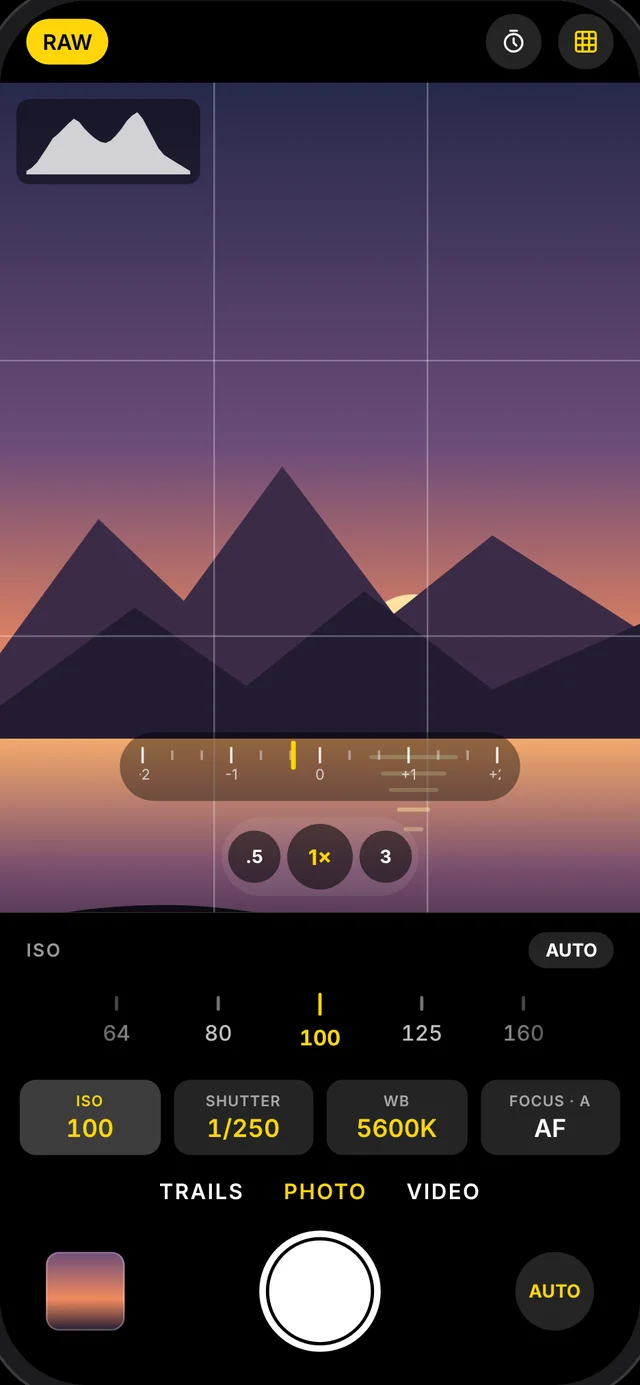
Every setting, on a dial.
Scroll ISO and shutter speed on dials that tick at every stop, set white balance by Kelvin and tint, and watch a live histogram and light meter so you know the exposure before you press the shutter.
- ISO and shutter in 1/3 stops
- White balance by Kelvin and tint
- Live histogram and light meter
02 · Light trails
Paint with light.
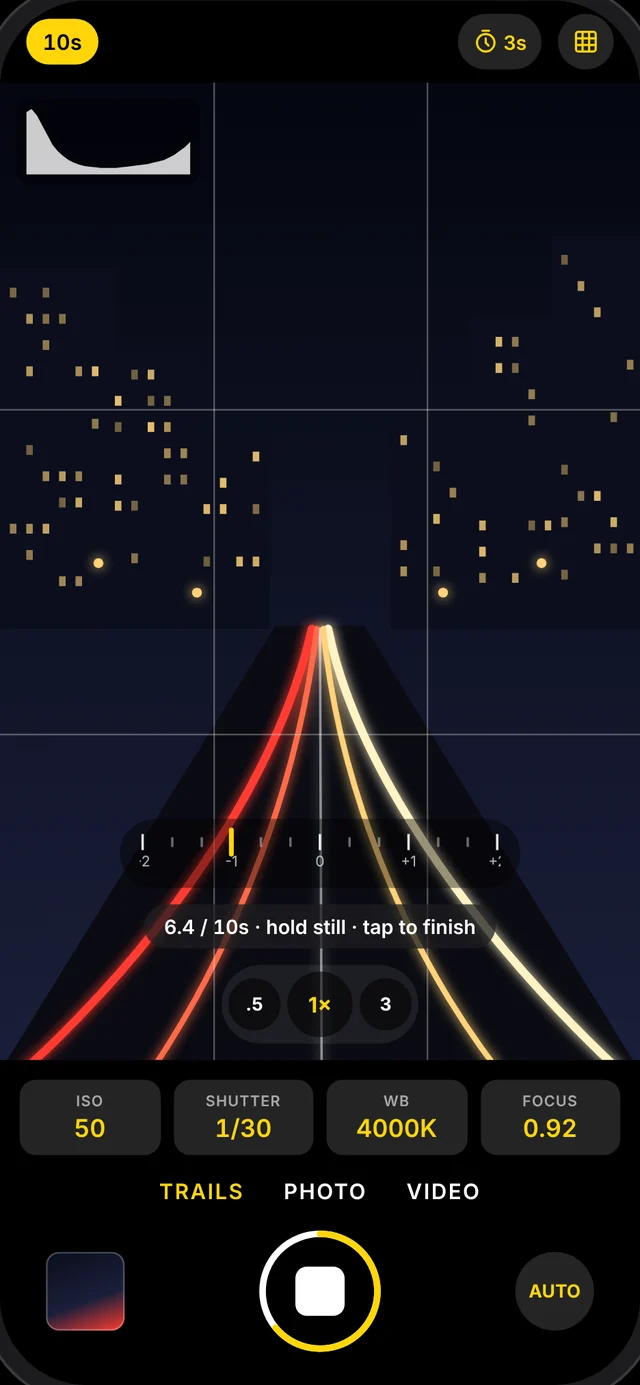
Light Trails combines frames for 5 to 30 seconds, so passing cars become ribbons of light while the street stays sharp. Watch the image build on screen and stop it whenever it looks right.
- 5, 10, 15 or 30 second exposures
- Watch the trails build live
- Exposure, focus and colour locked while it captures
03 · Shoot RAW
Keep every detail.
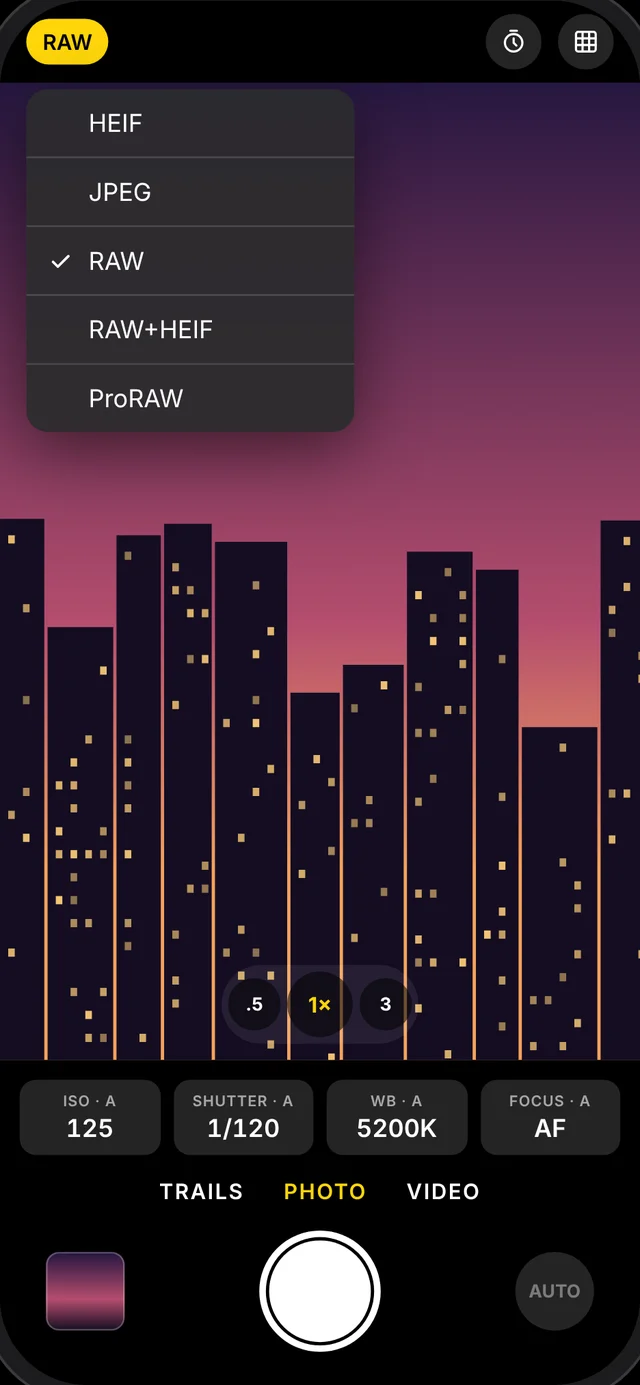
Capture RAW straight from the sensor, RAW with a HEIF alongside, or Apple ProRAW on supported iPhones. Every file lands in your Photos library, ready for Lightroom or your editor of choice.
- RAW (DNG) and RAW+HEIF
- Apple ProRAW on Pro iPhones
- HEIF and JPEG at full resolution
04 · Manual focus
Focus exactly where you want.
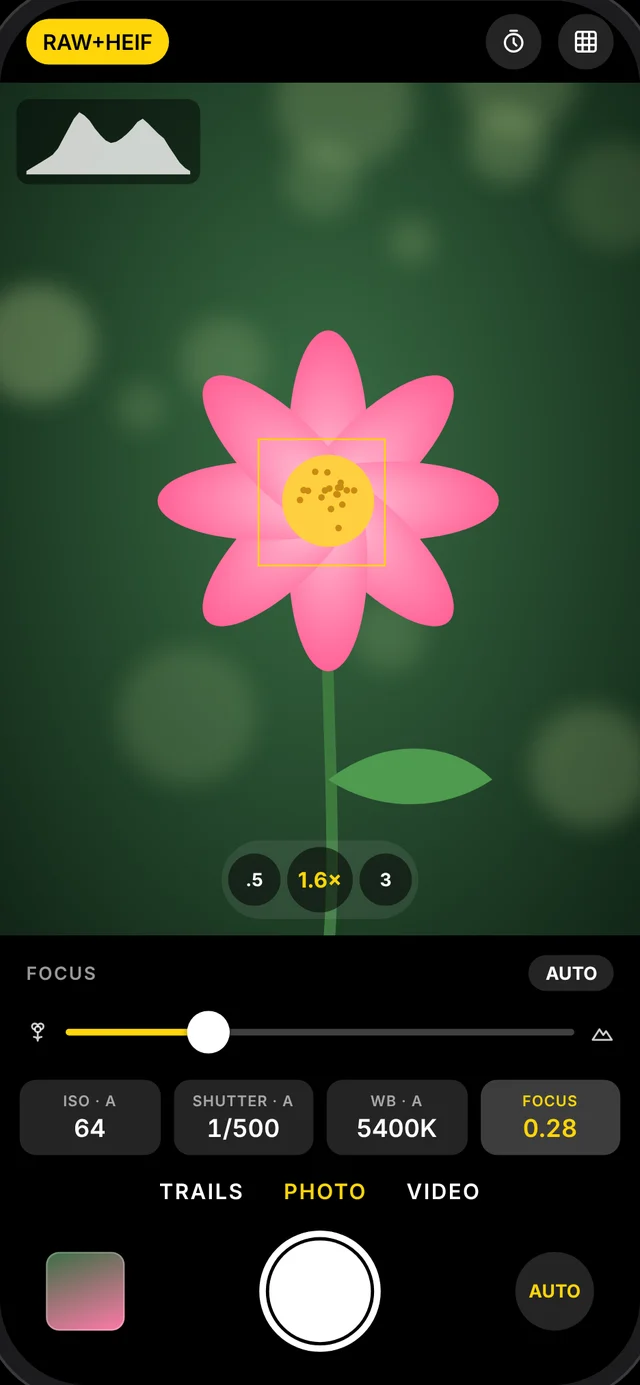
Slide from macro to infinity and focus stays put, or tap the viewfinder to focus and meter on a spot. Pinch to zoom, with a tick at every tenth, and switch lenses in a tap.
- Macro to infinity slider
- Tap to focus and meter
- Pinch to zoom across your lenses
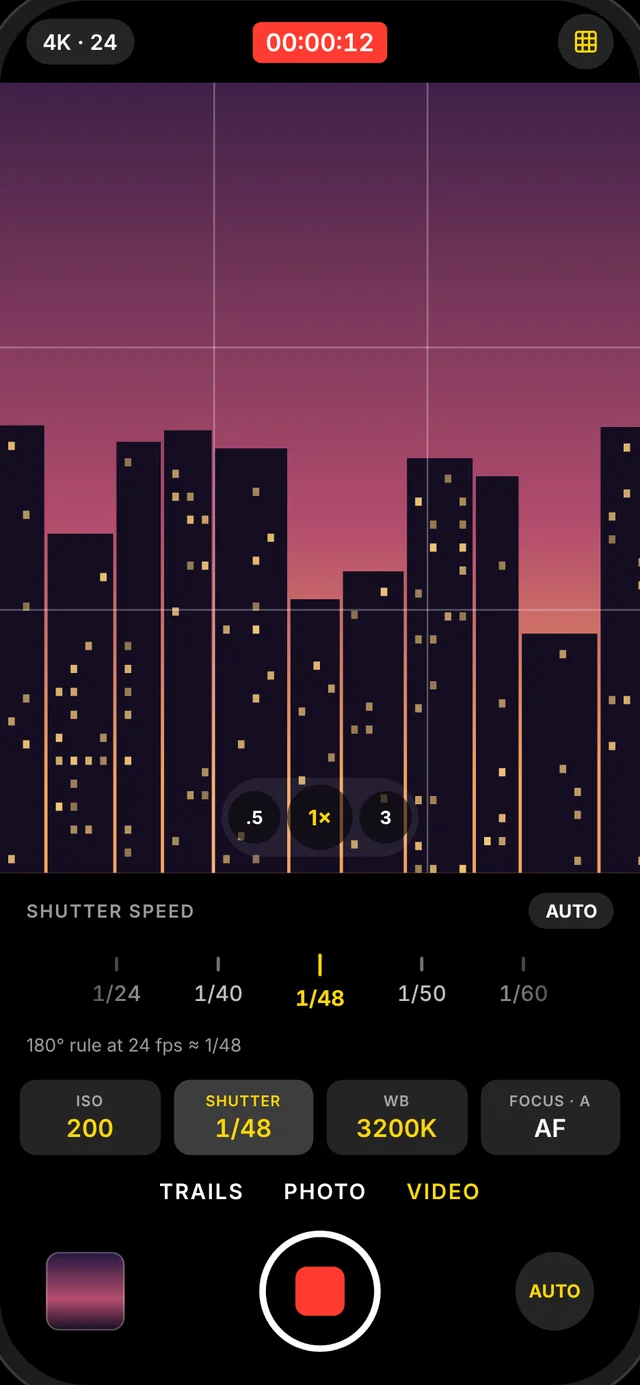
Cinema-grade video
4K or 1080p at 24, 25, 30 or 60 fps, with the 180° shutter rule shown as you set speed.
Feels like a camera
A haptic tick and click on every stop, zoom step and lens change.
Self-timer
3 or 10 seconds, for sharp slow-shutter shots on a tripod.
Rule-of-thirds grid
A framing grid that matches the photo or video frame exactly.
One-tap Auto
Hand everything back to the camera with a single button.
Native and fast
Built in SwiftUI on Apple’s camera system, with no account or setup.
Your photos.
Only yours.
- Darkmatter collects nothing. No account, no server, no analytics.
- Photos and videos go straight to your own Photos library.
- Add-only Photos access: it can save, but never read your library.
- The microphone is used only in Video mode.
Shoot in the dark.
Designed, built and shipped by Yash Rawat, an independent developer. Questions or ideas? Get in touch.